Industry

Design System

Industry

Design System

My Role

Design System Specilist, UX Designer

My Role

Design System Specilist, UX Designer

Created On

Jul 5, 2023

Created On

Jul 5, 2023

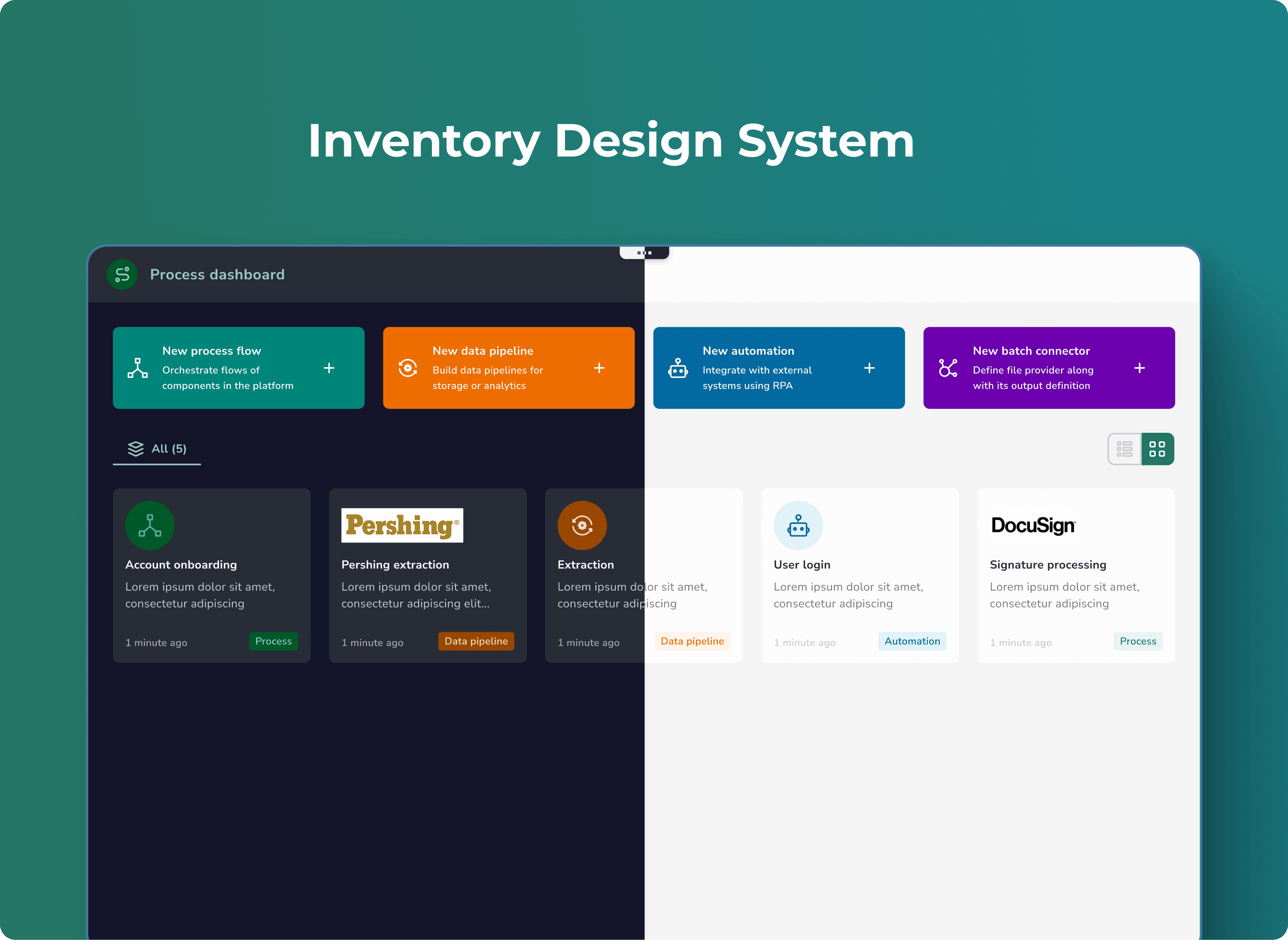
Inventory Design System - Dark theme using Figma variables

Main Project Image

Color tokens enabled faster design (↑70%) & 100% UI consistency, improving team efficiency & develepoment.

Woking on the migration here!!!

Little background about the problem

Our users were working across multiple entities—leads, campaigns, accounts, and more—but each had its own contextual search buried inside. There was no way to just... search. Feedback consistently pointed to the same issue:

people spent more time trying to find things than actually doing work. So we set out to build a single, unified global search experience that could span the entire platform and respect the complexity of B2B workflows.

Research & Discovery

As Integrate became a larger and more connected platform, our goal is to bring the better search experience to the user:

  • Learn more about customer problems with search

  • Gather more information on the search experience

  • Synthesise problem set

With this base understanding of the problem set I reached out to our users to get further insights into how people used search and what their experience was like.

Insight I got

There were many specific problems identified with the search experience, but two broad themes emerged.

There were major functional and interaction gaps around how users expected the search to work and how it actually worked (our functionality didn’t align with their mental model).

  • Users want a global search feature, advanced filters, and the ability to search for multiple items at once.

  • They struggle with finding campaigns, partners, or assets efficiently with fuzzy match.

  • The search function lacks accuracy and simplicity, leading to manual sifting through content.

  • Navigating the platform and discovering features is challenging, with users often getting lost in tabs and pages.

  • Users desire a more streamlined search process for handling a large volume of campaigns.

I started by diving into the feedback we had already received. Categorising this further gave us a list of specific problems our users had with the search experience.

User pain points:

From this analysis I found that solving for the functional problems would have the greatest impact. I saw an opportunity to focus in on a backend-only release that could address most of these problems without requiring frontend changes, meaning:

  • Getting improvements into the hands of users faster

  • Faster iteration cycles with no frontend dependency

With this we could split the work into two streams, shipping the backend improvements sooner while planning to release frontend improvements at a later point.

Problem statement

Rebuilding our search infrastructure with a unified global search implementation that meets user expectations will have a significant positive impact on the overall user experience of our application.

Solution

Search is core to how our users interact with and navigate our app. There are major functional gaps between what our users expect of our search and what it is actually capable of. Even minor inconveniences add up over many interactions and create a frustrating experience.

Setting Baseline Metrics

We tracked key metrics like time to first result, search retries, and abandonment rate to benchmark the global search experience in Integrate. A user survey revealed a low satisfaction score of 3/5, confirming the need for major improvements.

Redesigning the Search Engine

The major piece of work would involve implementing a new global search feature. I worked closely with a backend developer to iterate on different search parameters and relevance scoring approaches in order to come to a result that solved for the set of functional problems we had identified. Some of the parameters we looked at were:

  • What fields a search term would match against—and how different formats of terms could search different fields.

  • When we should apply fuzzy matching

  • What weighting was applied to different fields in order to get the most relevant results

  • How relevance could be modified by things like record ownership

  • Implementing keywords and exact matches for more specific searches

Building the Global Search Interface

There wasn’t a global search to fix—we had to define what it should be. We started from scratch, designing for a world where users jump between leads, campaigns, and partners constantly.

Before putting pixels on a screen, we explored how users think when they search—and let that shape the interface.

We introduced two core concepts:

  • A full-page search view with advanced filters

  • A modal activated by Command+K with quick live previews

The second option won due to back-end dependencies in that phase of the project where we were focusing on providing search results with a modal view. It offered focus without context-switching.

Building the Global Search Interface

There wasn’t a global search to fix—we had to define what it should be. We started from scratch, designing for a world where users jump between leads, campaigns, and partners constantly.

Before putting pixels on a screen, we explored how users think when they search—and let that shape the interface.

We introduced two core concepts:

  • A full-page search view with advanced filters

  • A modal activated by Command+K with quick live previews

The second option won due to back-end dependencies in that phase of the project where we were focusing on providing search results with a modal view. It offered focus without context-switching.

What We Focused On

To make search more effective and intuitive, we focused on enhancing five core characteristics:

  • Search Scope: Enabled users to search across all modules and records from a single unified entry point.

  • Prominent Placement: Made the search bar easily accessible via shortcut (Ctrl + K) and positioned it consistently at the top.

  • Auto Suggestions with Fuzzy match: Introduced smart, real-time suggestions to reduce typing effort and help users find what they need faster.

  • Relevance Ranking: Applied intelligent sorting to prioritize the most relevant results based on context and usage patterns.

  • Filtering: Added category-level filters to help users narrow their search quickly without jumping across tabs or screens.

  • Keyboard Interaction: We’re also introduced the easy navigation through different search result items by keyboard arrow keys.

Documenting the Component

Anatomy of the global search component

Anatomy of the global search component

Idle state: Shown when the user opens the global search without typing. Displays both recently viewed items and past search history.

Recent Campaign: Displays recent viewed items grouped by category. Each category shows up to 8 items which are recently viewed.

Search with Result: Displays search results grouped by category. Each category shows up to 3 items and includes a “See all” link if more results are available. Helps users quickly navigate to relevant pages with corresponding search results.

With more categories: Allows users to customize visible categories using the “More” button. Useful for filtering search results across multiple types of content.

Primitives of the global search menu component

Global search prototype video

Planned for the next phase

As I mentioned before, we took the first option of having a search menu for showing all results without context-switching. But for advanced filtering and navigation, we're also keeping in mind the possibility of having a dedicated full-width page for all search results. We've already done some exploration for that as part of our initial discovery.

Sample screens of full-width page for search results

We need further clarity on the requirements for a full-width search page, as we currently don't have specific use cases that would necessitate this approach.

Planned for the next phase

My learnings so far

  • Designing at a system level is a different mindset. This project pushed me to think beyond screens and flows — into behaviors, relationships, and scalable infrastructure.

  • Uncertainty is part of the process. There was no clear blueprint for Global Search. I had to listen closely, ask the right questions, and bring clarity from ambiguity.

  • Great UX removes friction. The goal wasn’t to invent something flashy — it was to make search feel natural, fast, and context-aware.

  • Documentation is design. Mapping search logic, interaction patterns, and states helped align cross-functional teams and ensured implementation clarity.

  • Cross-functional teamwork builds trust. PMs, engineers, and designers collaborated early and often, which made a complex feature feel simple in the end.

  • Findability is the foundation of usability. A powerful search system empowers users — especially in data-heavy B2B tools like Integrate.

Create a free website with Framer, the website builder loved by startups, designers and agencies.